Recruiting Mode Guide
AI-powered assistance for recruiting calls, candidate screening, and role selling -- all in real time
What is Recruiting Mode?
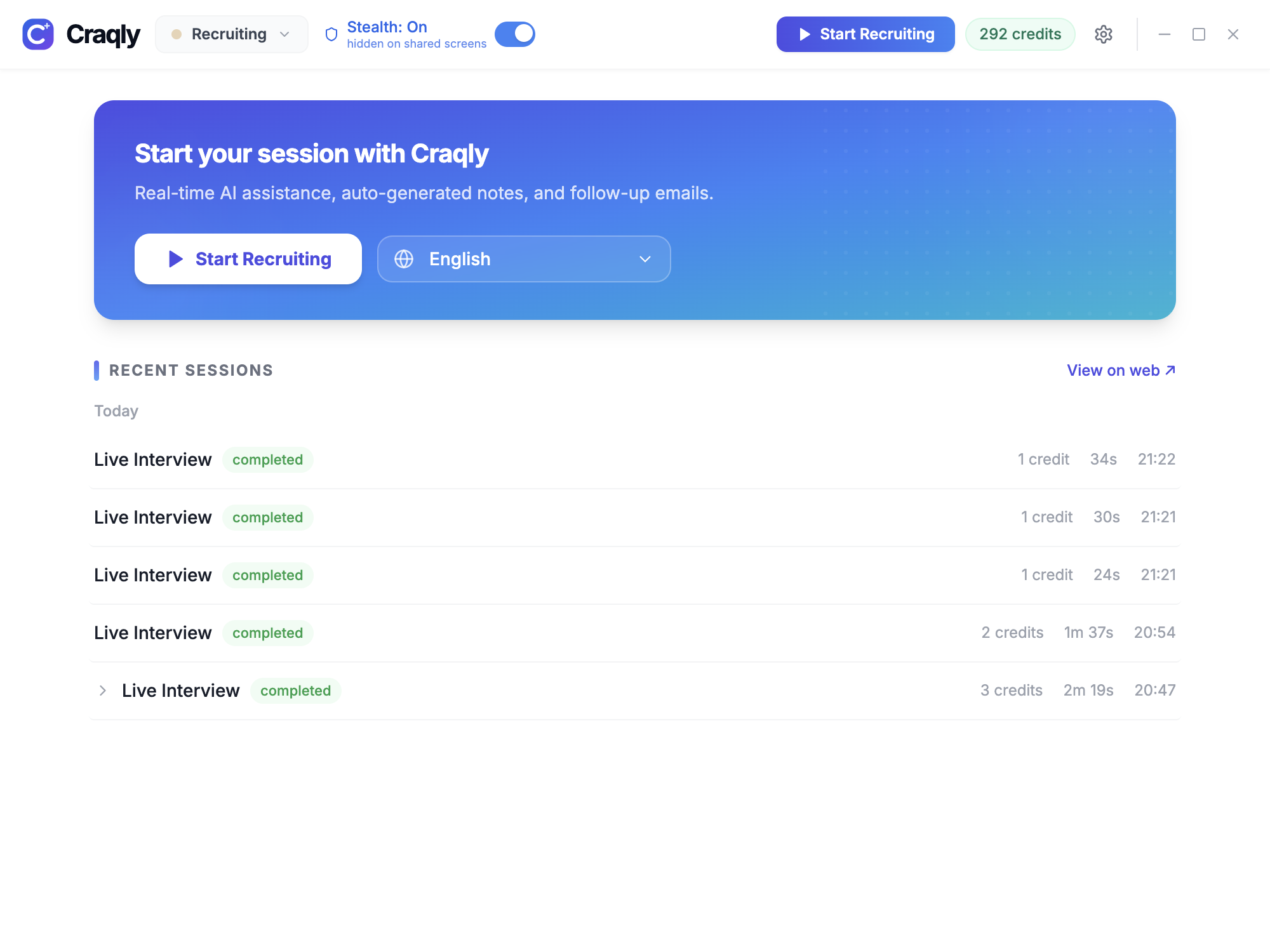
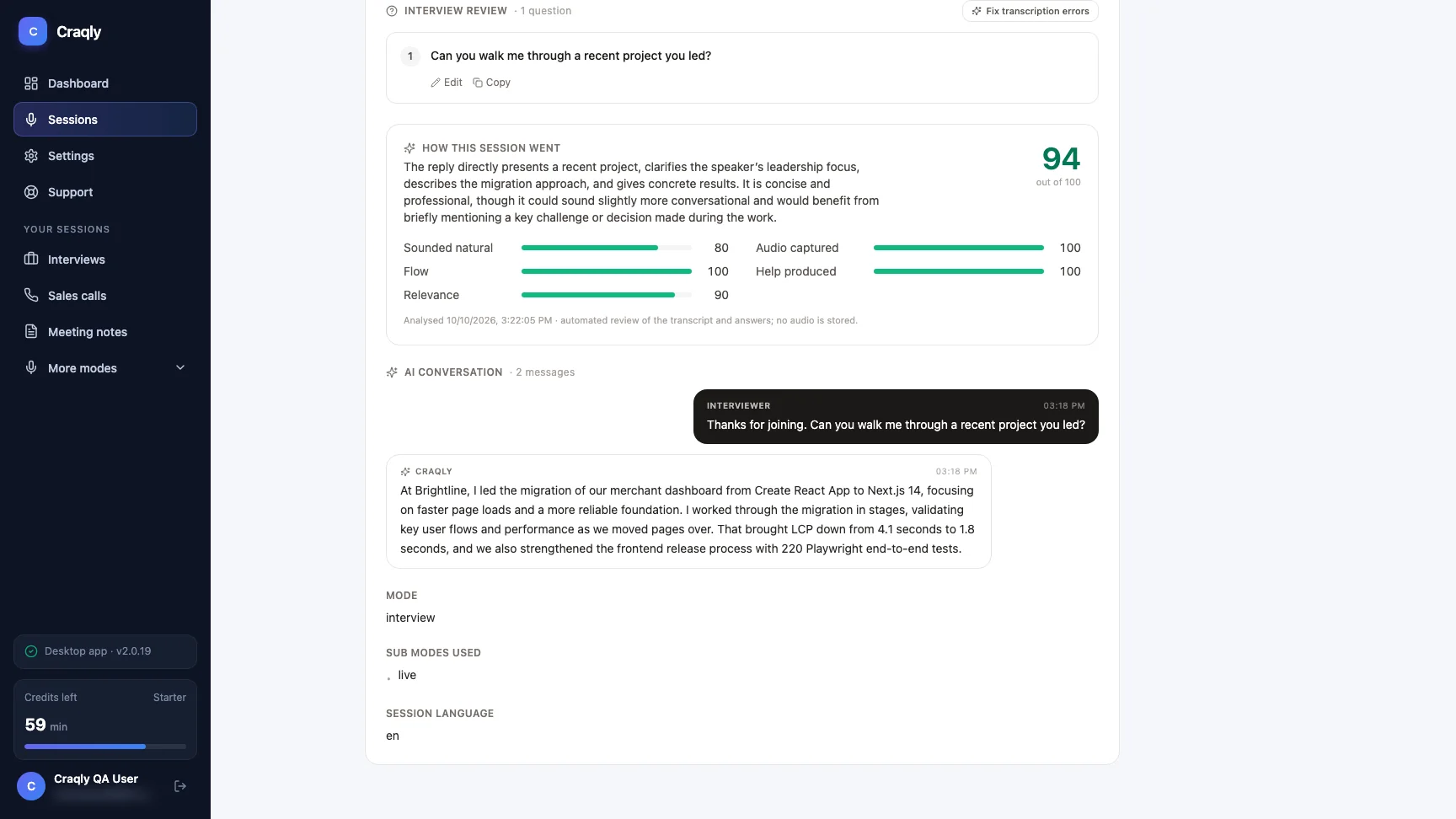
Recruiting Mode turns Craqly into your AI recruiting co-pilot. It listens to your candidate calls, identifies who is speaking, and provides real-time suggestions to help you ask better questions, evaluate responses, and sell the opportunity effectively. Whether you are running a quick phone screen or a structured panel interview, Recruiting Mode keeps you one step ahead.
Quick Actions
One-click AI actions available during any recruiting call
Probe Deeper
Generate targeted follow-up questions based on what the candidate just said to uncover more detail about their experience and skills.
Sell Role
Get talking points to pitch the role and company effectively, tailored to the candidate's background and interests mentioned in the conversation.
Analyze Screen
Capture and analyze on-screen content such as a candidate's resume, LinkedIn profile, or notes to inform your questions in real time.
Key Features
Everything Recruiting Mode brings to your hiring workflow
AI-Assisted Candidate Evaluation
Get real-time suggestions to evaluate candidates more effectively with structured, role-relevant questions.
Context-Aware Probing Questions
The AI listens to the conversation and suggests probing questions that dig deeper into the candidate's answers.
Role & Company Selling Points
Receive dynamically generated talking points to sell the opportunity, addressing candidate motivations as they come up.
Speaker Identification
Transcription labels distinguish between recruiter and candidate, so AI responses are always contextually accurate.
Multi-Format Support
Works seamlessly during phone screens, video interviews, and panel discussions across any meeting platform.
Real-Time Transcription
Live transcription of the entire conversation lets you stay focused on the candidate instead of taking notes.
Keyboard Shortcuts
- Toggle Craqly windowCtrl + B
- Trigger AI responseCtrl + Space
- Take a screenshotCtrl + H
- Answer the question you just captured (8s after a screenshot)Space
- Run quick action 1-6 without focusing CraqlyCtrl + 1 ... Ctrl + 6
- Delete last screenshotCtrl + L
- Trigger quick action by position1, 2, 3
- Start a new sessionCtrl + R
- Scroll responses upArrow Up / Page Up
- Scroll responses downArrow Down / Page Down
- Move the Craqly windowCtrl + Arrow Keys
- Quit the applicationCtrl + Q
Tips & Best Practices
Get the most out of Recruiting Mode
Prepare Your Role Brief
Upload or paste the job description before the call so the AI can tailor probing questions and selling points to the specific role.
Let the Candidate Finish
Wait for the candidate to complete their answer before triggering AI. Partial transcriptions lead to less accurate suggestions.
Ready to Recruit Smarter?
Download the Craqly desktop app and start using Recruiting Mode on your next candidate call